
Camera Control
Camera parameters such as video format, zoom, focus, iris, and shutter are set with VISCA commands. The board carries them over either of two interfaces, each enabled by its own switch — see Pinout Details for the switch settings.
| Interface | Enable with |
|---|---|
| USB | USB |
| UART TTL | UART |
Warning
Only one of the two switches must be ON at a time. Set the other to OFF before sending commands.
Windows
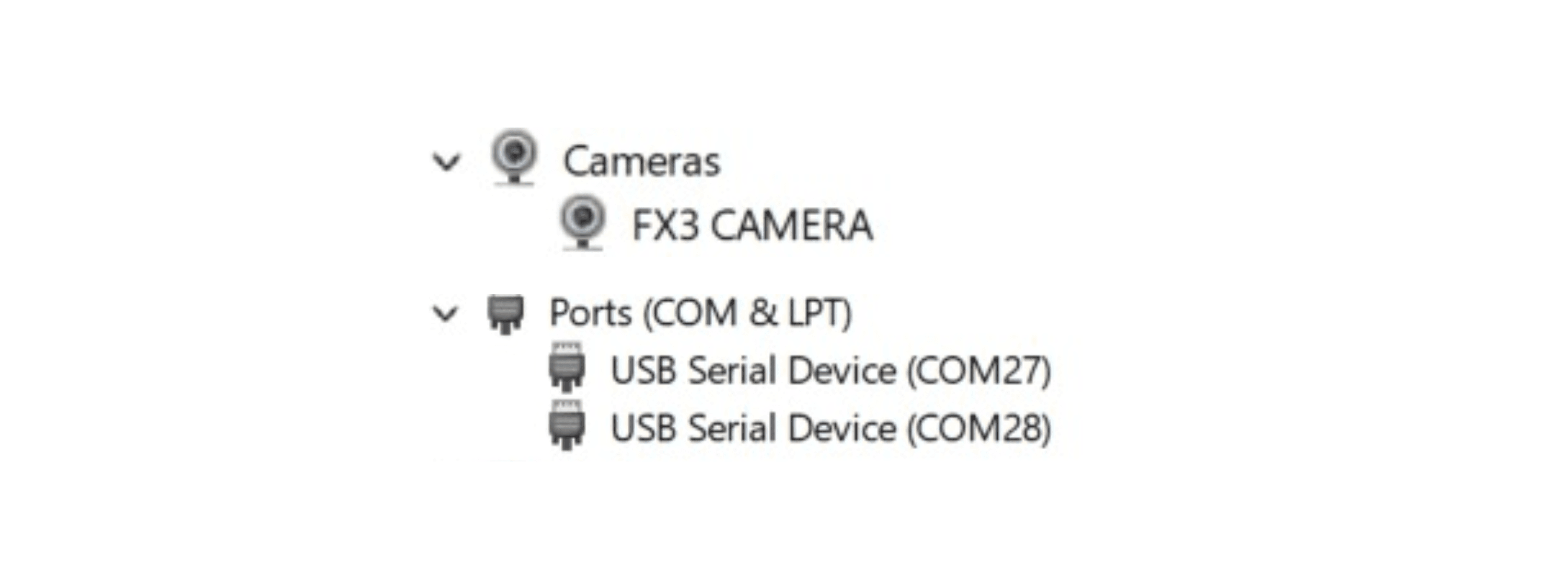
The first time the board is connected, the board enumerates as a virtual COM port, and a new COM port appears under Device Manager.
Use serial communication software such as H-Term or PuTTY to send VISCA commands.
Linux
The board enumerates as a device under /dev/ttyACMx, where x is the device number.
Example Setup and Commands
Configure the port:
stty 9600 -F /dev/ttyACMxSend a zoom-in command:
echo -en '\x81\x01\x04\x07\x02\xFF' > /dev/ttyACMxSend a zoom-out command:
echo -en '\x81\x01\x04\x07\x03\xFF' > /dev/ttyACMxControl SDK
Oppila provides an SDK based on your requirements. Contact Oppila Support.