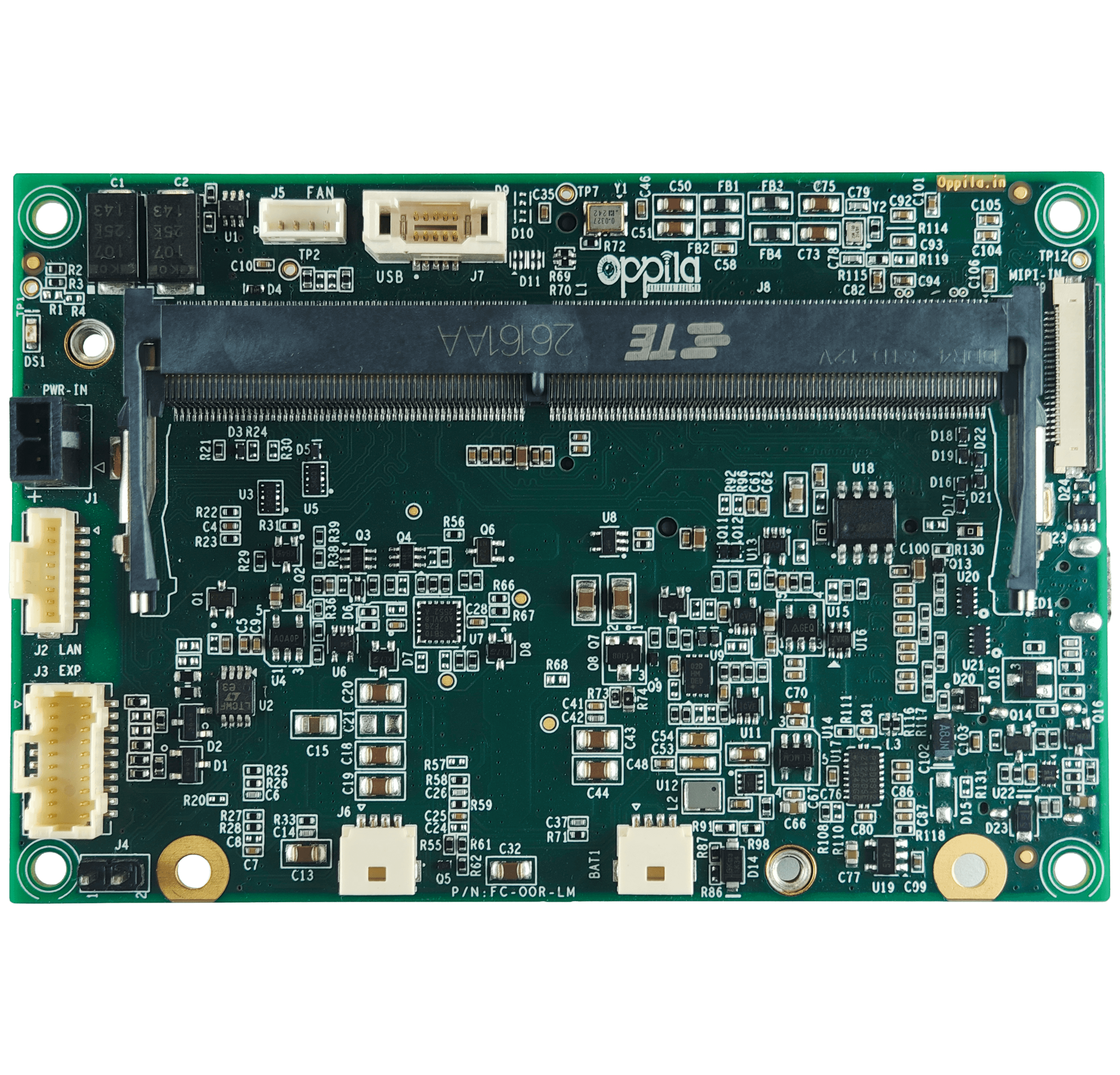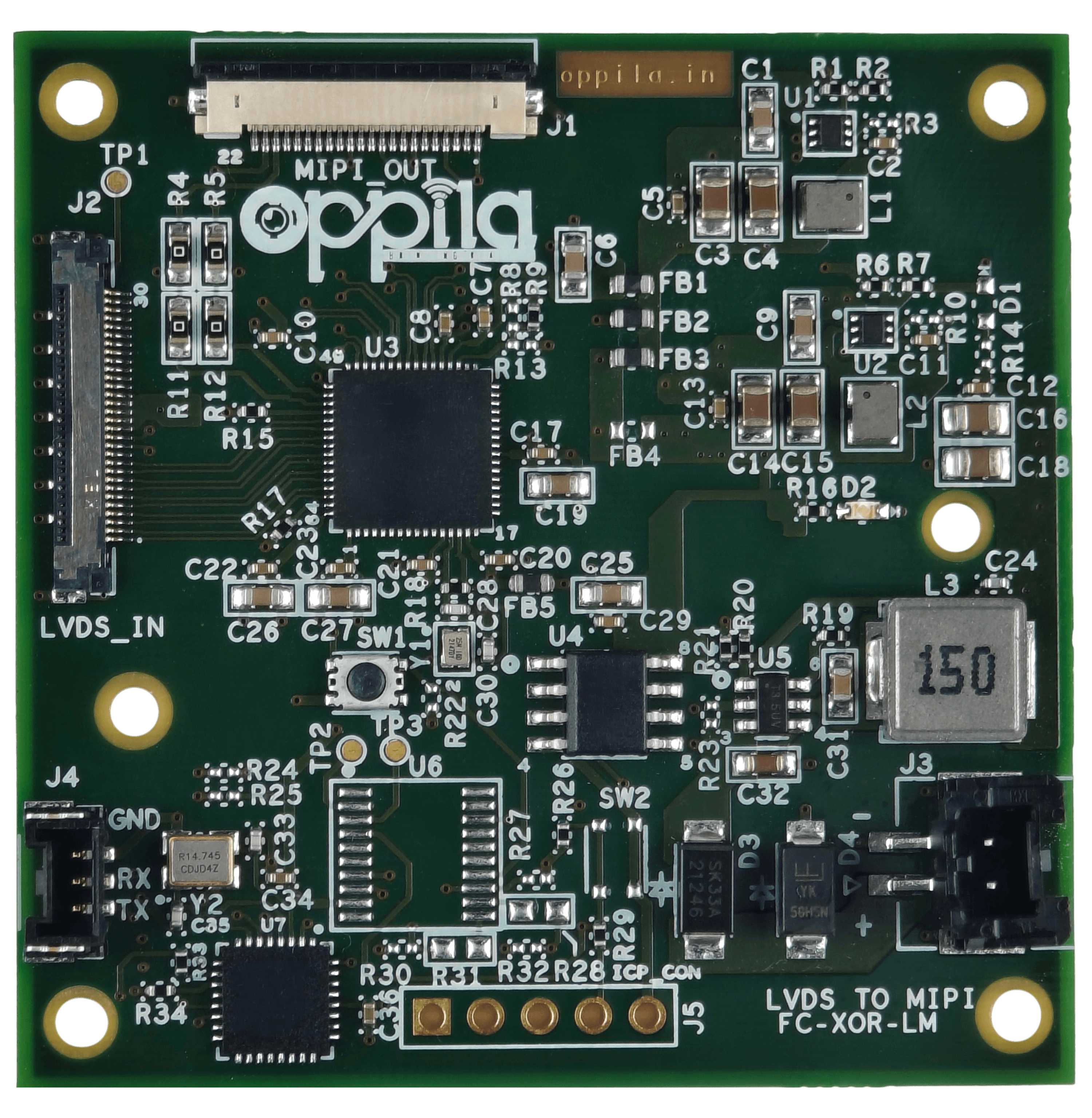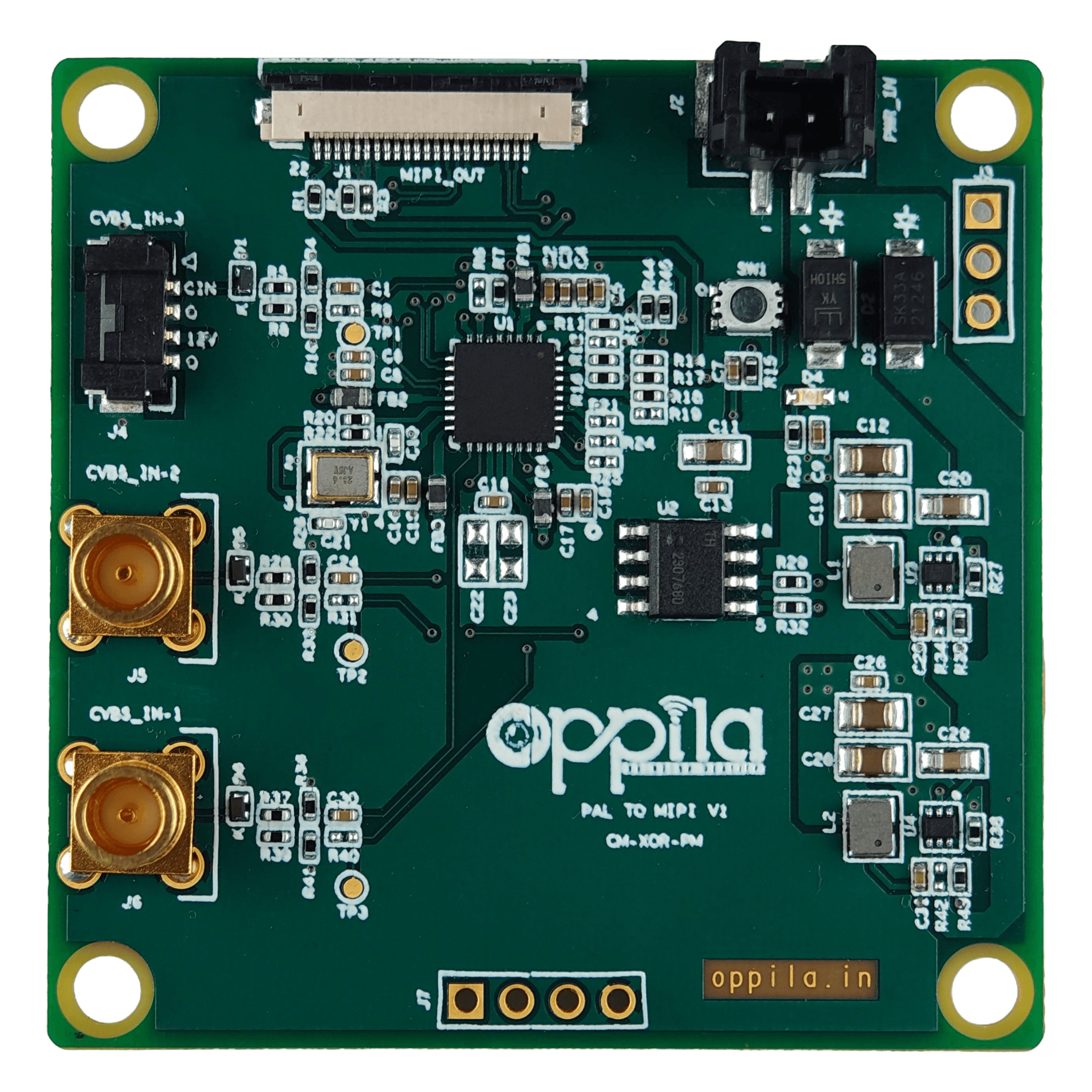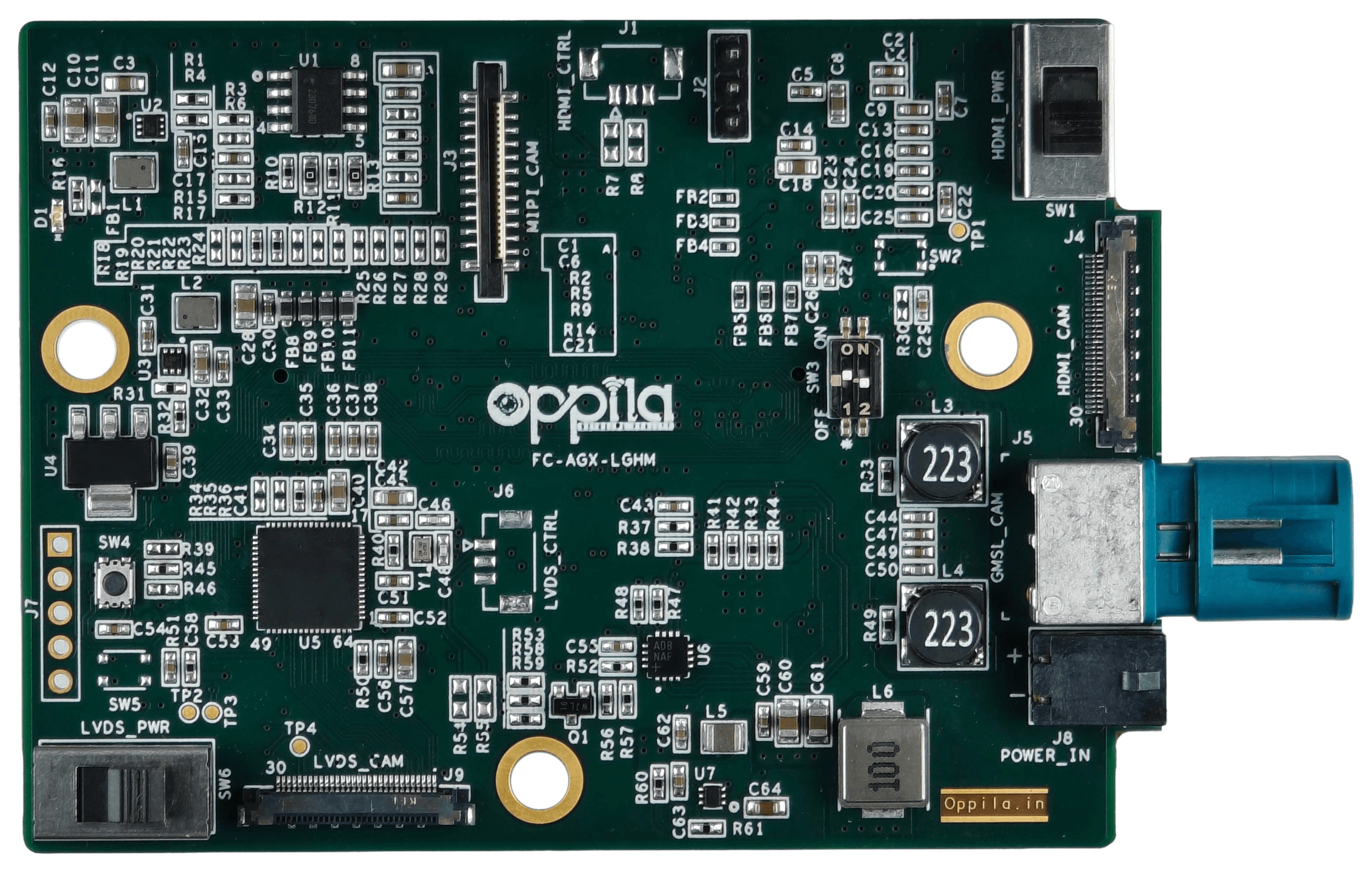
USB Interface Board — LVDS to USB 3.0
Plug-and-play UVC 1080p60 over USB Type-C. FCB-EV9520L / EV9500L USB output and any LVDS block camera on the same 30-pin KEL pinout.
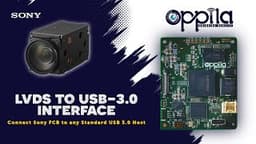
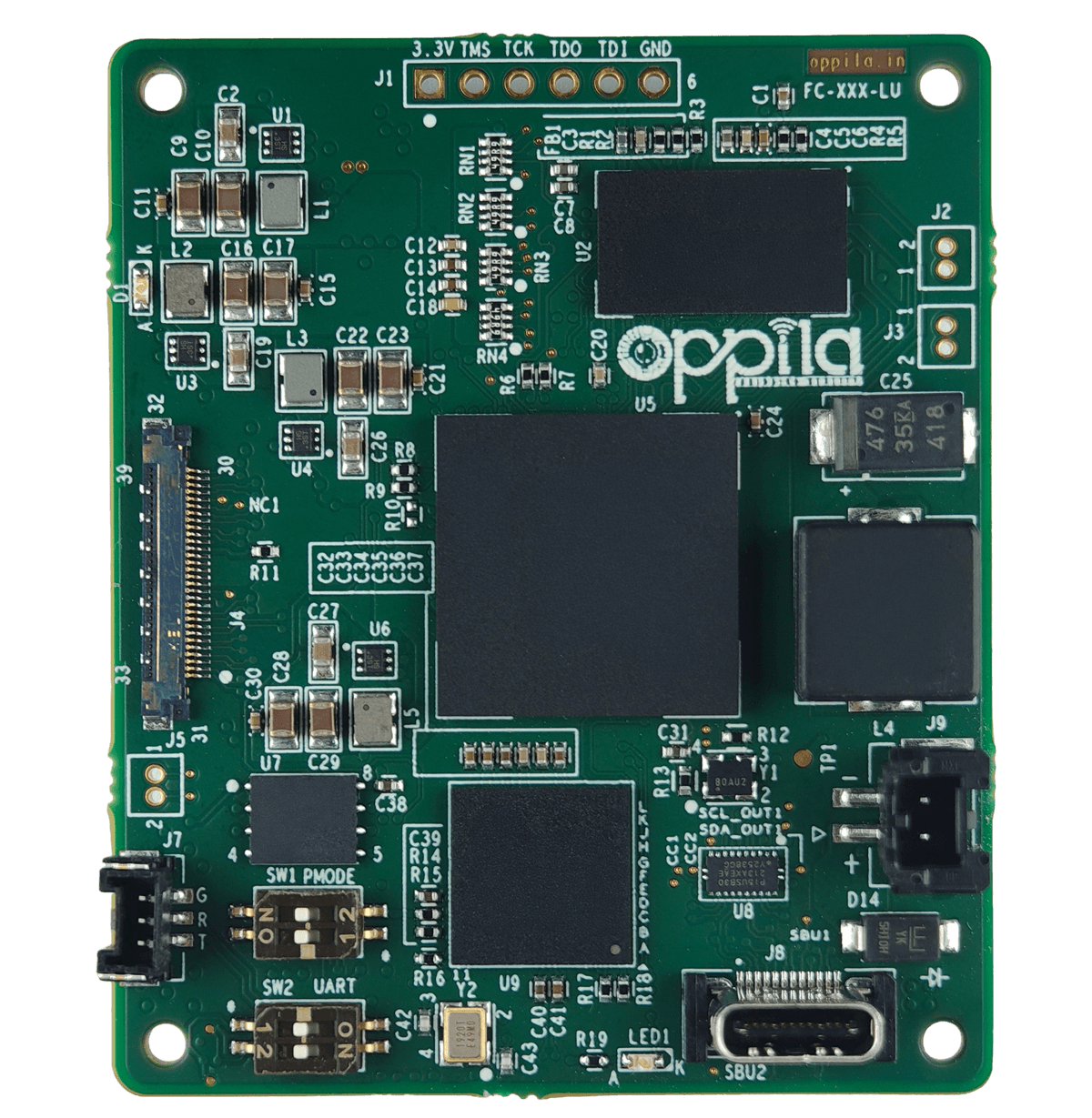
LVDS to USB 3.0 Interface Board
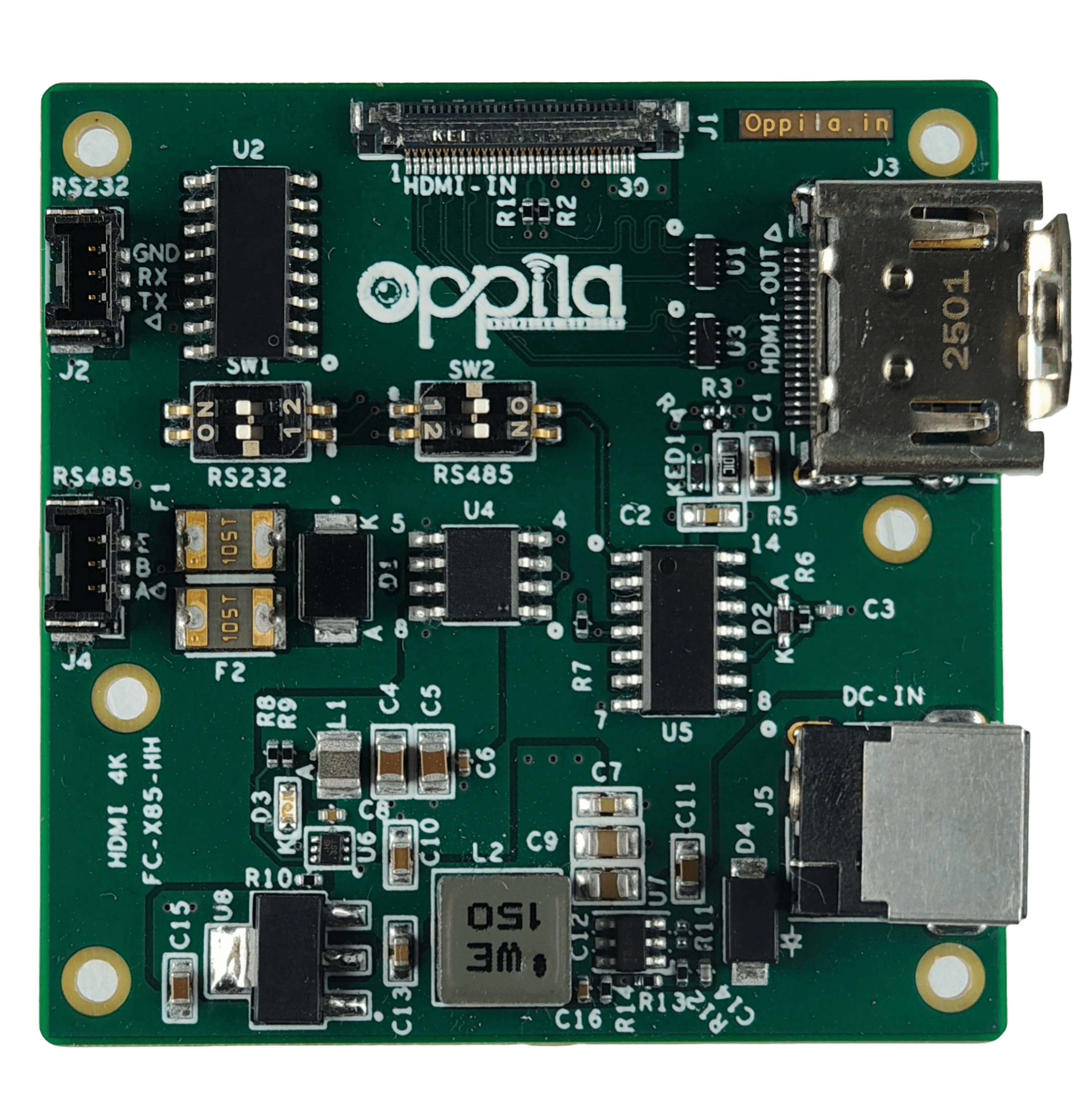
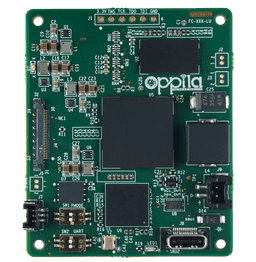
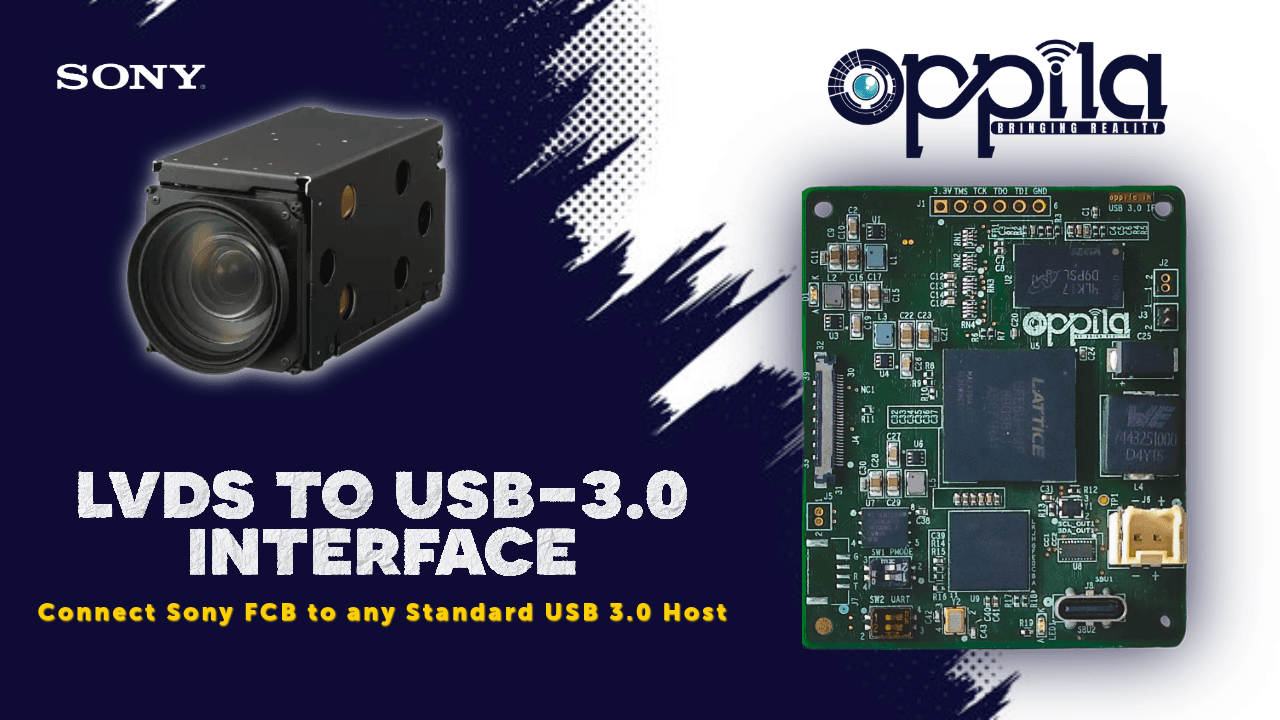
The Oppila LVDS to USB 3.0 converter is a compact Sony block camera USB interface board that brings FCB-EV9520L / EV9500L USB output — and any other LVDS block camera on the same 30-pin KEL pinout — to any Windows or Linux host. Plug-and-play UVC over USB Type-C, 1080p60 streaming and VISCA camera control. Get a quote today.
- Enables instant plug-and-play 1080p60 video streaming
- Supports VISCA camera control
- Offers flexible power input options
- Perfect for industrial inspection, robotics, medical imaging, and surveillance
Kit Contents
- Interface Board: Oppila's LVDS–USB3 Interface Board (50 × 60 mm)
- Power Cable: 2-pin 12 V DC power cable (included with kit)
- Cables: Micro-coaxial LVDS cable and UART cable for camera connectivity (optional)
- USB Cable: Certified USB 3.0 Type-C cable (optional accessory)
- Mounting Hardware: Screws and spacers for camera-to-board integration (optional accessory)
- User Documentation: Product datasheet and setup instructions (digital copy)
How to Connect a Sony FCB Camera to a USB Host Using the Oppila LVDS to USB 3.0 Interface Board
Step-by-step instructions for setting up the Oppila LVDS to USB 3.0 Interface Board with Sony FCB-EV9500L and FCB-EV9520L cameras for 1080p60 UVC streaming.
Step 1 — Connect the LVDS cable
Use the 30-pin micro-coax LVDS cable to connect your Sony FCB-EV9500L / EV9520L camera to the board's LVDS input.
Step 2 — Connect the USB Type-C cable
Connect a USB 3.0 Type-C cable from the board to the Windows or Linux host system, The system detects the camera automatically as a UVC device.
Step 3 — Provide 12 V DC power
Power the board using a regulated 12V DC supply.
Step 4 — Select VISCA control mode
Set the DIP switch to select the control interface: USB CDC or UART TTL.
Step 5 — Open a UVC viewer
Open a UVC-compatible video viewer to begin receiving a 1080p60 video stream, Send VISCA commands via USB CDC or UART TTL to control zoom, focus, and exposure.
| Features | Description |
|---|---|
| Input Voltage | 12–40V DC via DC Jack or USB Type-C |
| Input Current | 1.5 A typical (up to 2.0 A max depending on camera load) |
| USB Interface | USB 3.0 Type-C, SuperSpeed (5 Gbps) |
| Video Streaming | UVC 1.1 (USB Video Class) – Plug & Play |
| Supported Video Formats | Up to Full HD (1080p @ 60 fps) – Camera dependent |
| Camera Interface | LVDS interface compatible with Sony FCB-EV9500L / EV9520L |
| Control Interface | VISCA over USB CDC (Virtual COM) & UART TTL |
| Control Mode Selection | Via DIP switch (USB / TTL) |
| Indicators | Power LED (ON) / Status LED (Stream Activity) |
| Connectors | USB Type-C (host), 2-pin DC input, 30-pin micro-coax (camera), 3-pin UART header |
| Dimensions | (L × W) 50 mm × 60 mm |
| Weight | 21 g |
| Operating Temperature | –20 °C to +70 °C |
| Compliance | USB 3.0 Specification, UVC 1.1, RoHS Compliant |
| Power Supply Recommendation | 12 V / 2 A regulated supply (minimum rating) |
| Operating Systems Supported | Windows and Linux |
| Mounting | 4 × M2 holes on corners (3 mm offset) |
| Compatibility | Sony FCB-EV LVDS Series Cameras |
| Optional Support | USB3 Vision (U3V) interface version available |
LVDS – USB 3.0 Interface Board Documentation
Everything you need to connect, stream, and control the camera.
FAQs
How do I get USB output from a Sony FCB-EV9520L camera?
The Oppila LVDS to USB 3.0 Interface Board converts the LVDS video output from the Sony FCB-EV9520L (and FCB-EV9500L) into a UVC-compliant 1080p60 USB 3.0 stream. Plug the camera into the 30-pin KEL LVDS input, connect USB Type-C to a Windows or Linux host and the camera enumerates as a standard UVC webcam — no drivers required.
Is this a Sony block camera USB interface board?
Yes. The board is purpose-built as a Sony block camera USB interface — it takes LVDS output from Sony FCB block cameras (and any LVDS block camera following the same 30-pin KEL pinout) and presents it as a UVC 1080p60 stream over USB 3.0 Type-C.
Which cameras does the LVDS to USB 3.0 converter support?
Any LVDS block camera compatible with the Sony FCB-EV9520L 30-pin KEL pinout — including Sony FCB-EV9520L, FCB-EV9500L and other LVDS block cameras on the same pinout.
Does the camera need a driver on Windows or Linux?
No. The board is UVC 1.1 compliant, so Windows and Linux detect the camera automatically as a standard USB video-class device. Any UVC viewer (OBS, VLC, OpenCV, GStreamer v4l2src) will stream 1080p60 out of the box.
How is camera control — zoom, focus, exposure — handled over USB?
VISCA commands are carried over USB CDC (a virtual COM port) or 3.3 V UART TTL, selectable via DIP switch. The host can drive zoom, focus, exposure, gain, presets and triggers on the Sony FCB camera without any additional serial cable.
What power and cable does the LVDS to USB 3.0 Interface Board need?
12 V DC regulated (recommend 12 V / 2 A), applied via a 2-pin DC input or USB Type-C. The camera connects through a 30-pin micro-coax LVDS cable (KEL USL00-30L-A) on the board's 30-pin KEL connector.