
Getting Started
This section covers the full bring-up: connecting the camera, linking the board to the host, powering it on, and confirming that the host has enumerated the camera as a UVC device.
Prerequisites
Verify Camera Detection
Confirm that the host has created the video and control nodes before opening a viewer.
Linux
lsusbThe board appears in the device list as a USB video-class device. Then check the V4L2 nodes:
sudo apt install v4l-utilsv4l2-ctl --list-devicesThe board is listed as FX3 CAMERA, with its nodes grouped under it:
FX3 CAMERA: FX3 CAMERA (usb-0000:00:14.0-1):
        /dev/video2
        /dev/video3
        /dev/media1

Integrated_Webcam_HD: Integrate (usb-0000:00:14.0-2):
        /dev/video0
        /dev/video1
/dev/media0| Node | Type |
|---|---|
/dev/video2 | Video capture — the live stream |
/dev/video3 | Metadata capture — UVC frame metadata, no image |
Note
The first node is normally the video stream and the second is the metadata node, which carries no image. If a viewer opens the first node but shows no picture, try the other one.
Warning
Node numbers depend on what else is connected. In the listing above the host's built-in webcam already holds
/dev/video0and/dev/video1, so the board's nodes appear as/dev/video2and/dev/video3. Always read the numbers from under theFX3 CAMERAentry rather than assuming/dev/video0.
The control nodes appear alongside them:
ls /dev/ttyACM*/dev/ttyACM0 /dev/ttyACM1Two serial nodes are created — one carries VISCA camera control, the other carries debug output from the onboard USB controller.
Windows
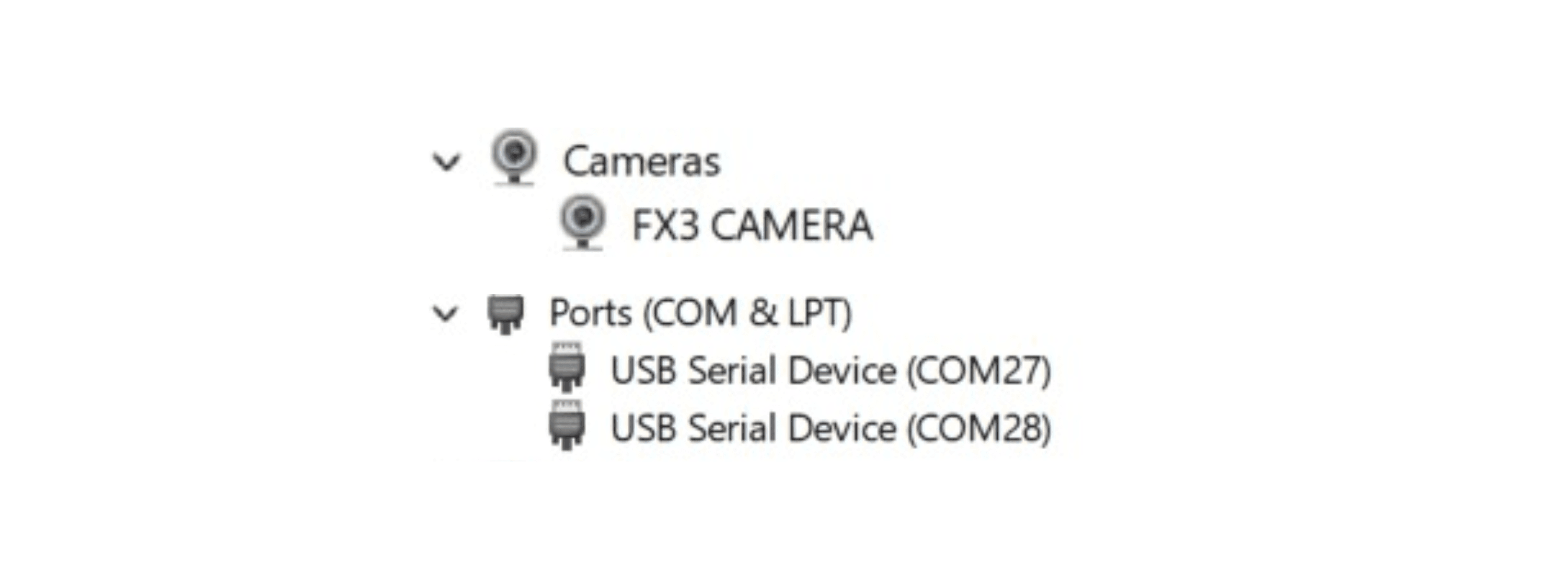
Open Device Manager. The board appears in two places — once as a camera, and once as a pair of serial ports:
| Section | Entry |
|---|---|
| Cameras | FX3 CAMERA |
| Ports (COM & LPT) | USB Serial Device (COM27) and USB Serial Device (COM28) |
Note
One of the two COM ports carries VISCA camera control and the other carries debug output. If commands sent to one port have no effect, use the other.
Warning
COM port numbers are assigned by Windows and differ from host to host —
COM27andCOM28above are only an example. Read the actual numbers from Device Manager before sending VISCA commands.