HDMI Camera Integration with Raspberry Pi 5
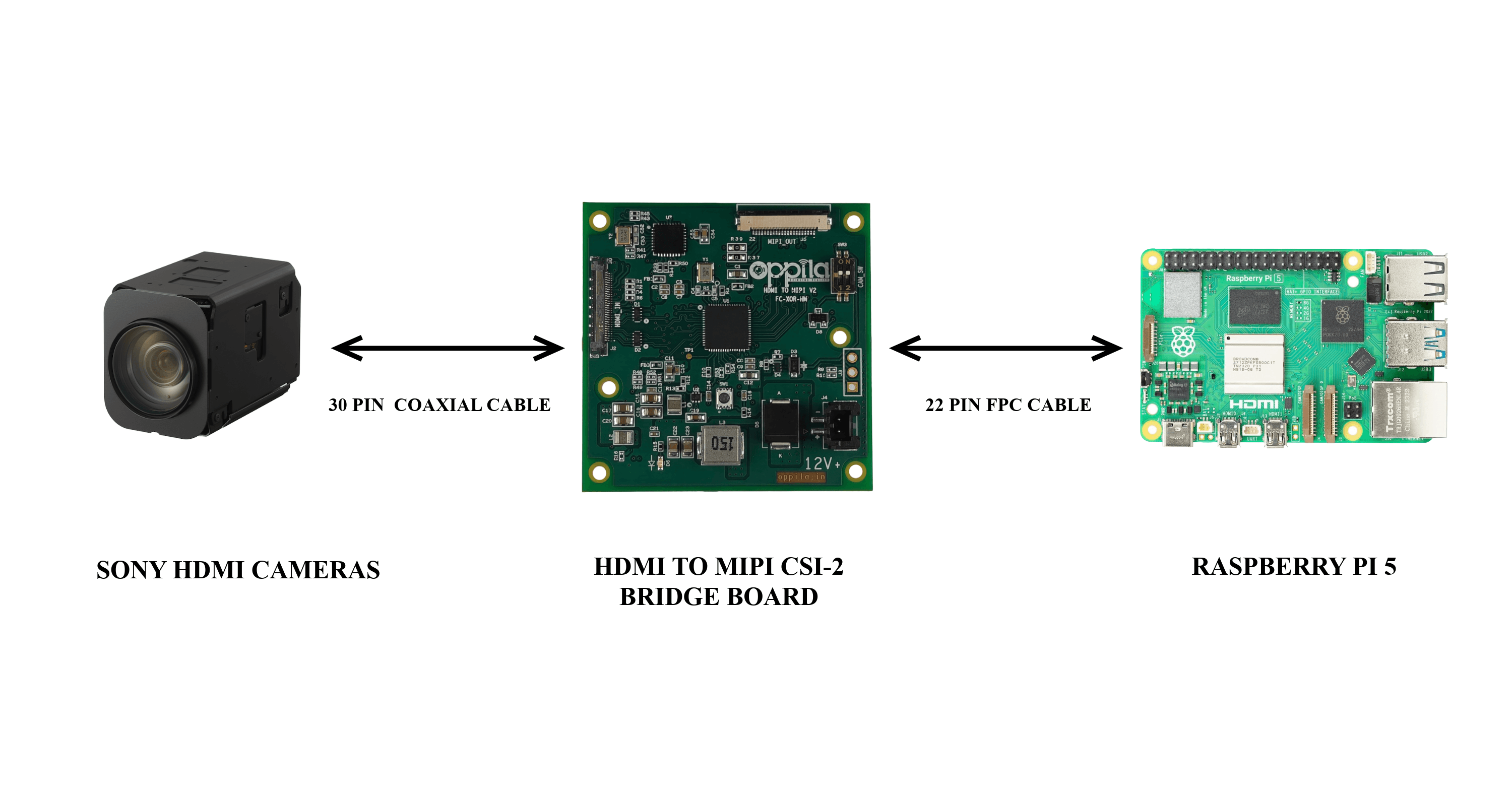
System Block Diagram
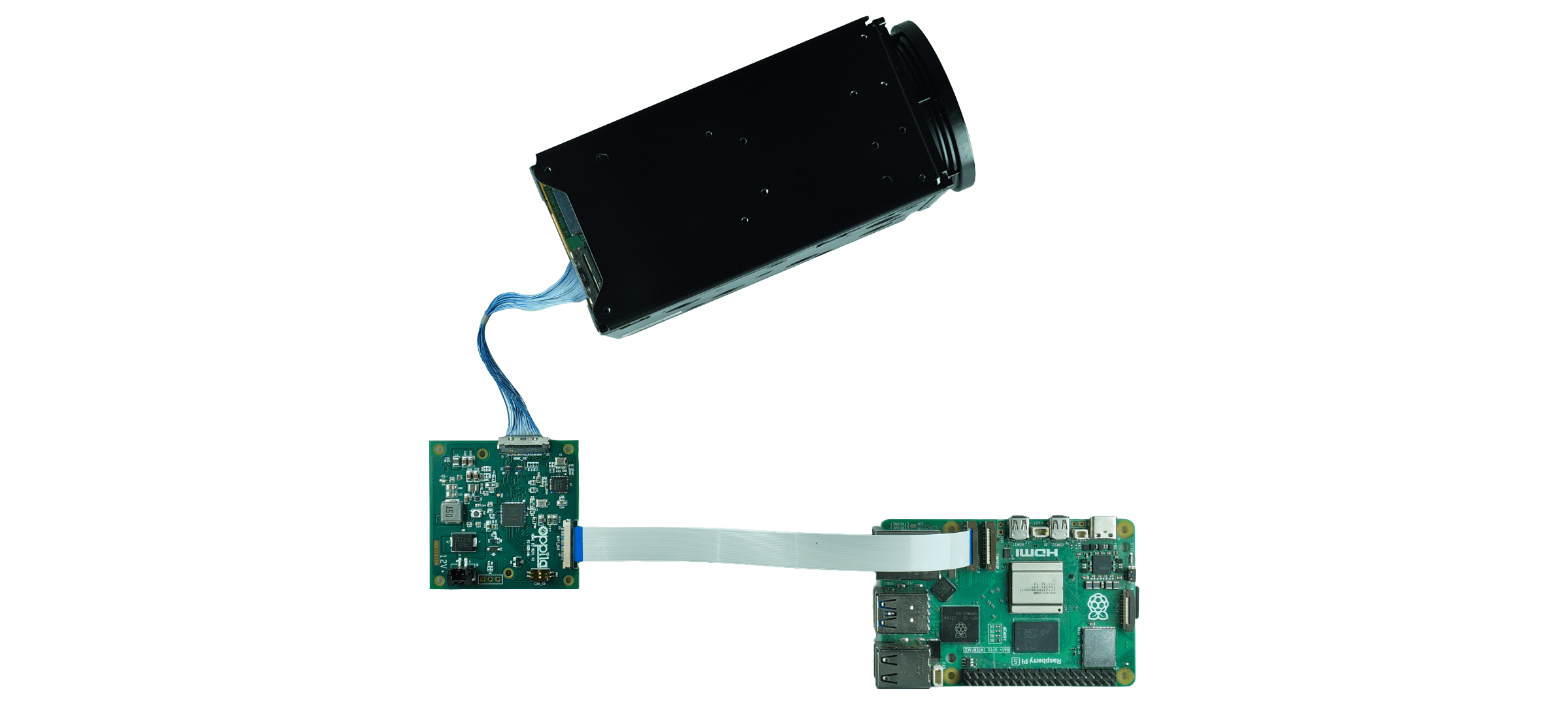
Hardware Setup
Supported Cameras
| Sony |
|---|
| FCB-ER8530 / FCB-EW9500H |
Integration
1
Camera → Bridge board
Connect the HDMI camera to the bridge board via the 30-pin micro-coaxial connector.
2
Bridge board → Raspberry Pi 5 CSI Port
Connect the bridge board to Raspberry Pi 5 CSI Port 0 [CAM0] using the FPC cable.
3
Power Supply
Provide a regulated 12 V DC supply to the bridge board.
Connection Setup