HDMI Camera Integration with Jetson Orin
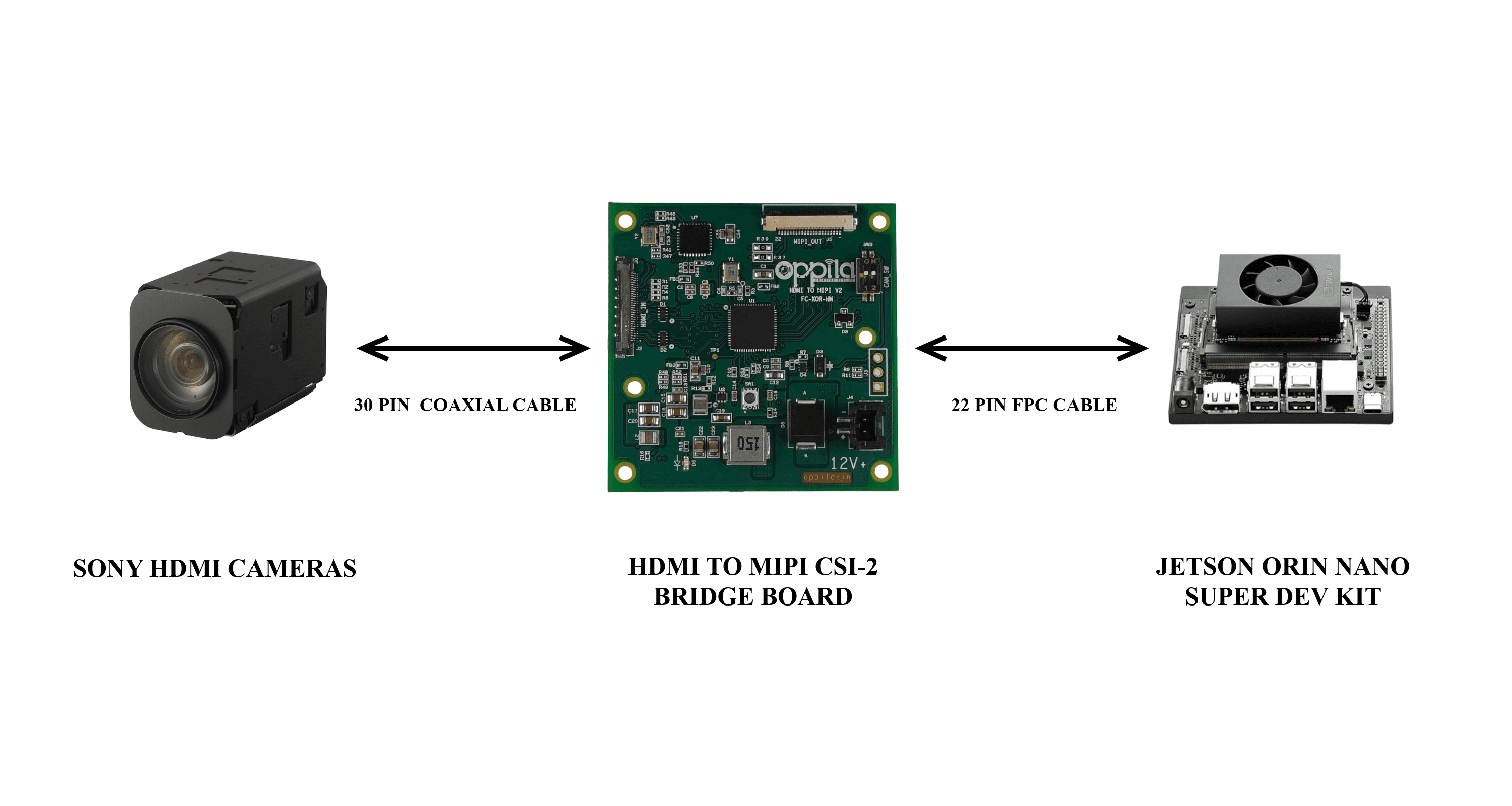
System Block Diagram
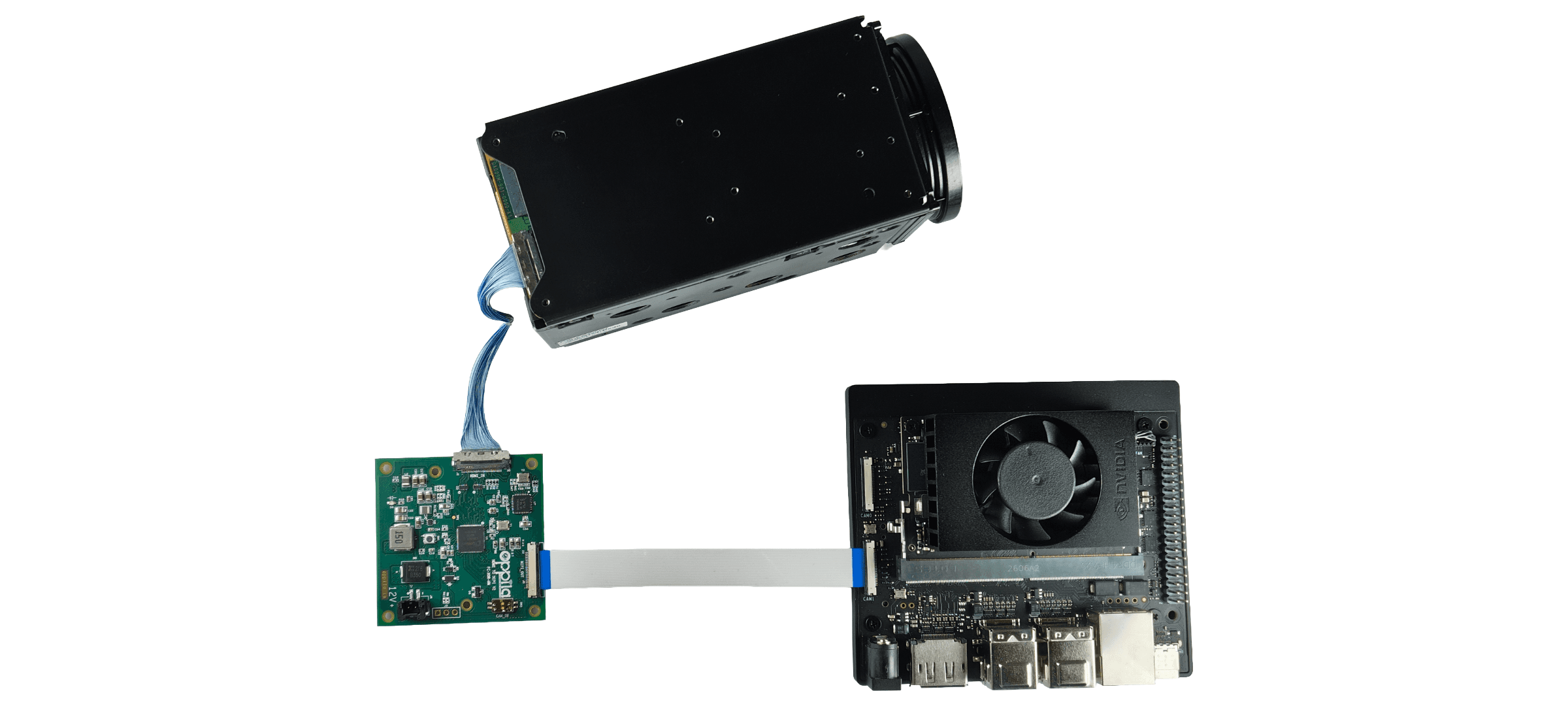
Hardware Setup
Supported Cameras
| Sony |
|---|
| FCB-ER8530 / FCB-EW9500H |
Integration
1
Camera → Bridge board
Connect the HDMI camera to the bridge board via the 30-pin micro-coaxial connector.
2
Bridge board → Jetson CSI Port
Connect the bridge board to Jetson CSI Port 1 [CAM1] using the FPC cable.
3
Power Supply
Provide a regulated 12 V DC supply to the bridge board.
Camera Control
The bridge board supports two camera control methods:
DEFAULT
Onboard I²C–UART Bridge
Camera is controlled through the onboard I²C-to-UART bridge routed to the Jetson host.
EXTERNAL
Onboard UART Header (J6)
Controls the camera from an external system via TTL-level UART.
| Designator | Functionality |
|---|---|
| R45, R43 | Presence of R45 & R43 enables I²C–UART bridge |
| R55, R25 | Presence of R55 & R25 enables Direct/External UART |
By default, R45 & R43 are only placed in the bridge board. To control through external UART, remove R45 & R43 and place at R55 & R25
Warning
Only one control method can be achieved at a time.
Connection Setup