How to Evaluate a Sony FCB-EV9520L Camera on NVIDIA Jetson Orin NX Using YAVTA | Complete Camera Bring-Up, Raw Frame Capture, and DMA-BUF Validation Guide
Introduction
Developing an embedded vision system begins with validating that the camera hardware and Linux driver are functioning correctly. Before integrating multimedia frameworks such as FFmpeg or GStreamer, developers must first ensure that the camera can reliably capture frames, support the required image formats, and communicate correctly with the Linux kernel.
One of the most effective tools for this purpose is YAVTA (Yet Another V4L2 Test Application). Unlike multimedia frameworks, YAVTA communicates directly with the Video4Linux2 (V4L2) driver, making it an ideal utility for camera bring-up, driver debugging, raw image capture, and DMA-BUF validation.
In this guide, we'll demonstrate how to evaluate the Sony FCB-EV9520L camera connected to an NVIDIA Jetson Orin NX through an LVDS to MIPI CSI-2 Bridge Board using YAVTA. You'll learn how to capture raw frames, save multiple images, validate DMA-BUF support, and verify reliable camera operation before building a complete multimedia application.
What is YAVTA?
YAVTA (Yet Another V4L2 Test Application) is a lightweight command-line utility designed specifically for testing V4L2 camera devices.
Unlike FFmpeg or GStreamer, YAVTA focuses solely on camera communication and frame acquisition without video rendering, encoding, or multimedia processing. This makes it one of the first tools developers use during Linux camera driver development.
YAVTA is commonly used for:
- Camera bring-up
- Linux camera driver validation
- Raw image capture
- Pixel format verification
- Camera interface debugging
- DMA-BUF testing
- Embedded camera development
Why Use YAVTA for Camera Validation?
YAVTA provides direct access to the Linux V4L2 driver, allowing developers to validate camera functionality without the overhead of multimedia frameworks.
It is particularly useful when:
- Developing custom camera drivers
- Testing new camera hardware
- Debugging camera interfaces
- Capturing uncompressed image data
- Validating DMA-BUF functionality
- Performing low-level camera testing
Because YAVTA operates close to the kernel, it provides accurate insight into the camera capture pipeline.
Hardware Setup
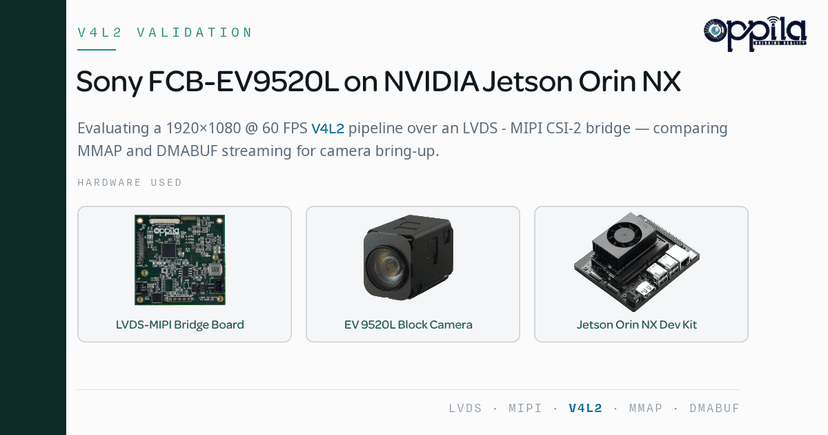
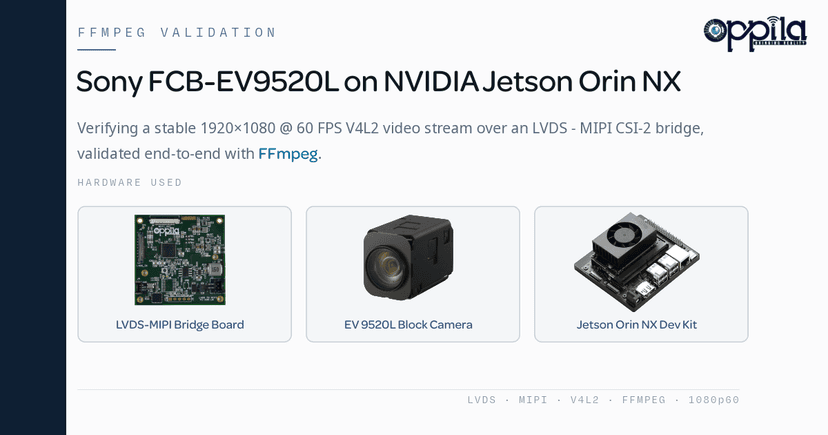
The evaluation platform consisted of:
- Sony FCB-EV9520L Block Camera
- LVDS to MIPI CSI-2 Bridge Board
- NVIDIA Jetson Orin NX Developer Kit
The bridge board converts the Sony camera's LVDS video output into a standard MIPI CSI-2 interface, enabling seamless integration with NVIDIA Jetson platforms.
Software Environment
The evaluation was performed using:
- NVIDIA JetPack 6.2
- Ubuntu Linux
- Video4Linux2 (V4L2)
- YAVTA (Yet Another V4L2 Test Application)
Capturing a Single Frame
The simplest way to validate camera functionality is by capturing a single raw frame.
yavta -c1 -f UYVY -s 1920x1080 --file=frame.raw /dev/video0
This command:
- Captures one frame
- Uses the UYVY pixel format
- Captures at 1920 × 1080 resolution
- Saves the image as a raw file
If the frame is captured successfully, it confirms that the camera, bridge board, and V4L2 driver are functioning correctly.
Capturing Multiple Frames
Continuous frame capture verifies streaming stability.
yavta -c100 -f UYVY -s 1920x1080 --file=frame.raw /dev/video0
This command captures 100 consecutive frames and stores them in a single raw file.
This method is useful for:
- Continuous image acquisition
- Camera driver validation
- Performance testing
- Offline image analysis
Saving Individual Frames
When debugging image quality or motion, saving each frame separately is often more useful.
yavta -c10 -F -f UYVY -s 1920x1080 --file=frame-#.raw /dev/video0
YAVTA automatically generates:
- frame-000.raw
- frame-001.raw
- frame-002.raw
- ...
Individual frame capture simplifies:
- Motion analysis
- Camera calibration
- Image quality inspection
- Frame synchronization debugging
DMA-BUF Based Frame Capture
Modern embedded vision applications benefit from DMA-BUF support for efficient buffer sharing.
yavta -c100 -F -f UYVY -s 1920x1080 --capture-dmabuf --file=frame.raw /dev/video0
When supported by the driver, YAVTA captures frames using DMA-BUF-backed buffers.
Why Use DMA-BUF?
DMA-BUF enables zero-copy buffer sharing between hardware components, including:
- Camera Sensor
- CSI Interface
- Video Input (VI)
- GPU
- VIC
- Hardware Encoder
Instead of copying image data multiple times, DMA-BUF shares the same memory buffer using a file descriptor.
Benefits of DMA-BUF
- Lower CPU utilization
- Reduced memory bandwidth
- Zero-copy architecture
- Improved throughput
- Better compatibility with NVIDIA multimedia pipelines
Although DMA-BUF improves efficiency, overall glass-to-glass latency depends on the complete video pipeline, including capture, processing, encoding, and display.
Test Results
During our evaluation of the Sony FCB-EV9520L camera on the NVIDIA Jetson Orin NX:
- YAVTA communicated successfully with the V4L2 driver.
- Single-frame capture produced valid raw image data.
- Multiple-frame capture operated reliably.
- Individual frame storage simplified debugging and image analysis.
- DMA-BUF capture functioned correctly, reducing CPU overhead and improving buffer management.
These tests confirmed reliable camera operation and successful integration of the Sony camera, LVDS to MIPI CSI-2 Bridge Board, and NVIDIA Jetson platform.
When Should You Use YAVTA?
YAVTA is the preferred tool when:
- Bringing up a new camera sensor
- Developing Linux camera drivers
- Validating camera hardware
- Capturing raw image frames
- Testing DMA-BUF support
- Debugging camera interfaces
- Verifying V4L2 functionality
Because of its simplicity and direct communication with the V4L2 driver, YAVTA is widely used during embedded Linux camera development.
YAVTA vs FFmpeg vs V4L2 Utilities
| Feature | YAVTA | FFmpeg | V4L2 Utilities |
|---|---|---|---|
| Camera Bring-Up | Excellent | Good | Excellent |
| Driver Debugging | Excellent | Limited | Excellent |
| Raw Frame Capture | Yes | Yes | Yes |
| Video Playback | No | Yes | No |
| Video Encoding | No | Yes | No |
| DMA-BUF Testing | Yes | Limited | Yes |
| Multimedia Processing | No | Yes | No |
YAVTA is the best choice for low-level driver validation, while FFmpeg is better suited for multimedia processing and recording.
Conclusion
YAVTA is a lightweight yet powerful tool for validating V4L2 camera devices on embedded Linux systems. In this evaluation, we successfully tested the Sony FCB-EV9520L camera connected through an LVDS to MIPI CSI-2 Bridge Board on the NVIDIA Jetson Orin NX.
The evaluation confirmed reliable raw image capture, successful multi-frame acquisition, and efficient DMA-BUF-based frame capture, validating the camera driver and capture pipeline before multimedia integration.
For developers working on Linux camera drivers, embedded vision systems, or NVIDIA Jetson camera integration, YAVTA provides one of the simplest and most effective methods for verifying camera functionality during the early stages of development.
Product Details
Product link: Sony FCB-EV9520L
Full specifications, kits, and datasheets: LVDS to MIPI CSI-2 Bridge
FAQs
YAVTA (Yet Another V4L2 Test Application) is a lightweight Linux utility used to test V4L2 camera devices. It communicates directly with the camera driver and is commonly used for camera bring-up, driver validation, and raw frame capture.
YAVTA focuses on low-level camera testing and communicates directly with the V4L2 driver. FFmpeg is better suited for multimedia processing, recording, and video conversion.
Yes. YAVTA captures uncompressed raw image frames, making it ideal for image quality analysis, camera validation, and driver debugging.
DMA-BUF is a Linux buffer-sharing mechanism that enables zero-copy data transfer between hardware components such as the camera, GPU, and video encoder, improving performance and reducing CPU usage.
DMA-BUF primarily reduces memory copies and CPU overhead. While it improves pipeline efficiency, glass-to-glass latency depends on several other factors and usually improves only slightly.
Yes. YAVTA works with NVIDIA Jetson platforms that expose cameras through the Linux V4L2 framework, including Jetson Orin NX, Orin Nano, Xavier NX, AGX Orin, AGX Xavier, and Jetson Nano.
YAVTA is ideal during camera bring-up, Linux camera driver development, hardware validation, raw image capture, and DMA-BUF testing.
YAVTA supports formats exposed by the V4L2 driver, including UYVY, YUYV, NV12, NV16, RAW Bayer formats, and others depending on the camera hardware.
No. YAVTA is designed for camera testing and frame capture. It does not provide video playback or multimedia processing features.
YAVTA allows developers to validate camera hardware, verify Linux camera drivers, capture raw frames, and debug image acquisition before integrating higher-level frameworks such as FFmpeg, GStreamer, OpenCV, or NVIDIA DeepStream.